
This guide will instruct you to configure a LoRaWAN RAK node to join a LoRaWAN multicast group.
- The guide is applicable to all RAK modules with a few minor differences.
- The node is compatible with all LoRaWAN servers including Easy LoRaWAN Cloud.
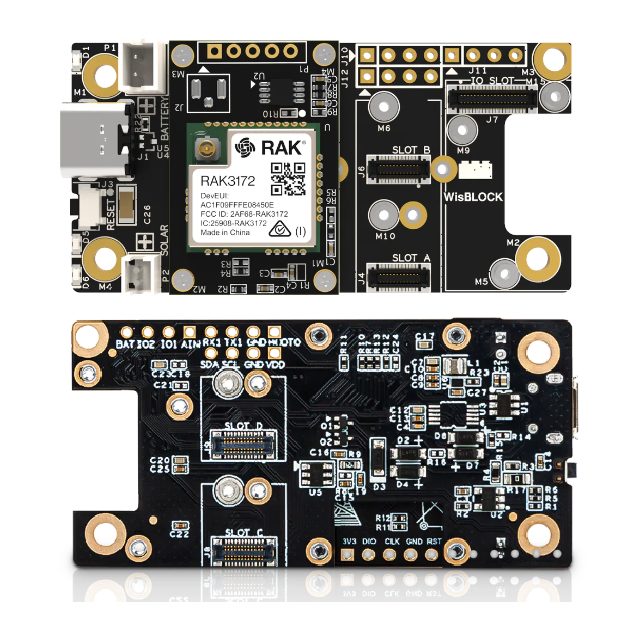
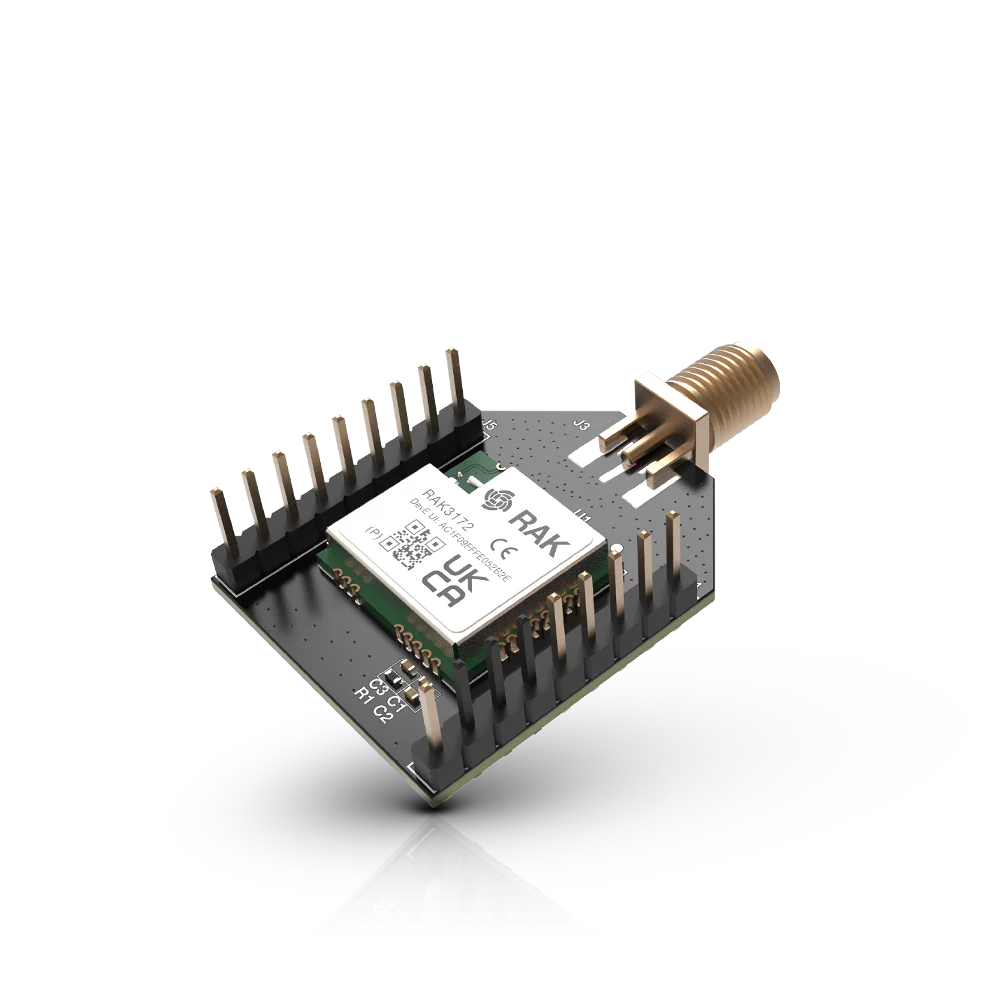
- Product link: RAK3172 Evaluation Board and RAK3172 Bread Board
What is LoRaWAN Multicast?
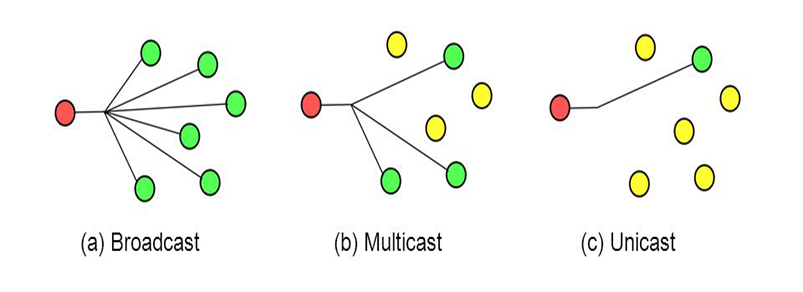
LoRaWAN Multicast group is a concept of grouping LoRaWAN nodes together to receive the same set of downlinks from server.
- We can send a single downlink to the multicast address and all LoRaWAN nodes in the same multicast group will receive the downlink.
- Multicast group will ease the downlink management and save the bandwidth of sending multiple downlinks to each of the LoRaWAN nodes.
- All LoRaWAN nodes in the same multicast group share the same multicast-address, session-keys and frame-counter.
- A LoRaWAN node can have up to 04 multicast groups.
Join a LoRaWAN RAK module to LoRaWAN Multicast group
Step 1: Your node MUST be able to receive normal (unicast) downlink from the server.
- Follow this guide to complete the prerequisite: Create a DIY LoRaWAN node with RAK module
- You must set your node CLASS C and do not sleep your node after every uplink.
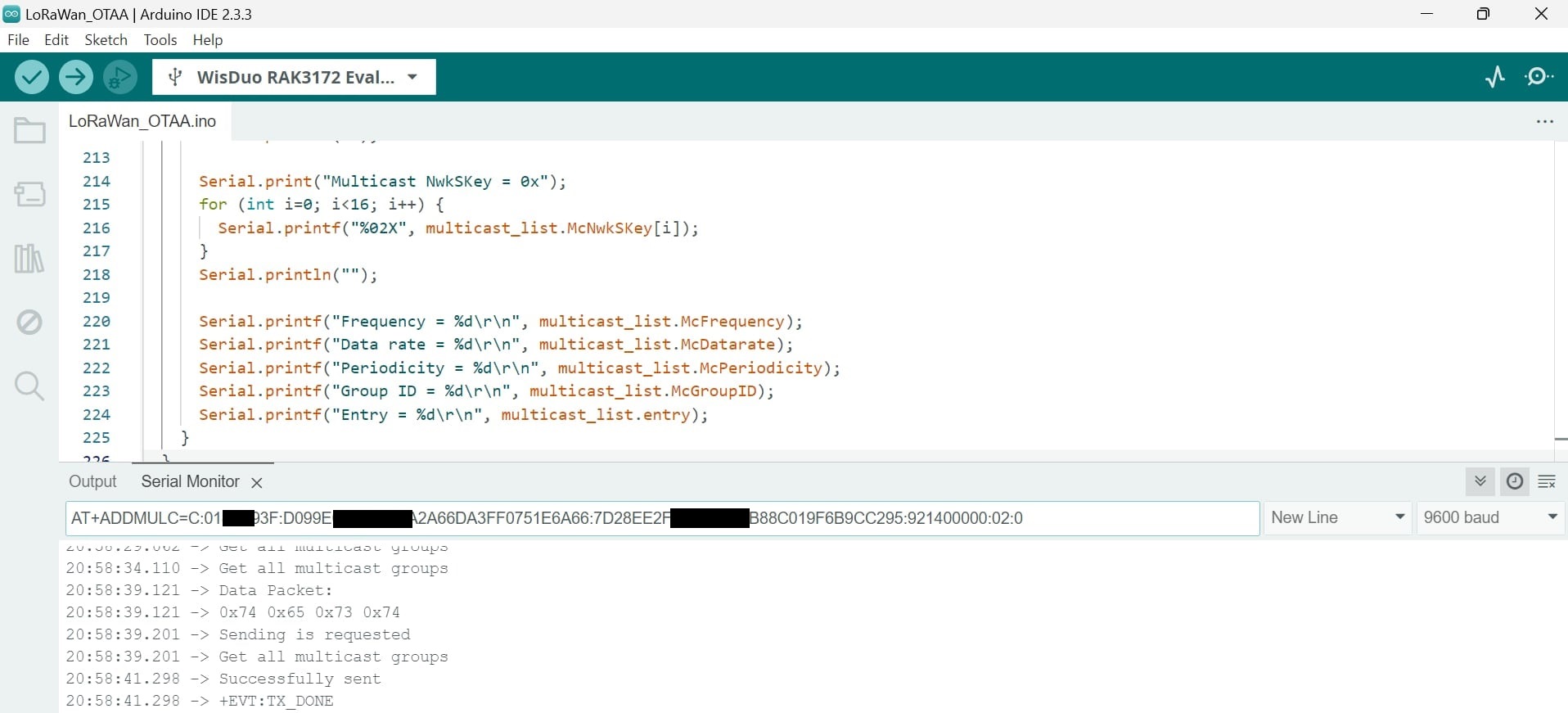
Step 2: Run AT+ADDMULC in Arduino console and press Enter
- To join multicast group: AT+ADDMULC=[Class]:[Multicast-Addr]:[Multicast-NwkSKey]:[Multicast-AppSKey]:[RX2-Frequency]:[RX2-Datarate]:[Periodicity]
- You have to obtain Multicast-Addr, Multicast-NwkSKey, Multicast-AppSKey, RX2-Frequenc and RX2-Datarate from your LoRaWAN server or Easy LoRaWAN Cloud
- To list multicast group: AT+LSTMULC=?
- To remove node from a multicast group: AT+RMVMULC=[Multicast-Addr]
- Reference: RAK Documentation
Step 3: We need to configure Multicast in LoRaWAN server / Easy LoRaWAN Cloud to send downlink to the multicast group with multicast address.
- View this guide to Create LoRaWAN multicast group and send multicast downlink
Step 4: The node will receive the downlink as it is part of the multicast group.
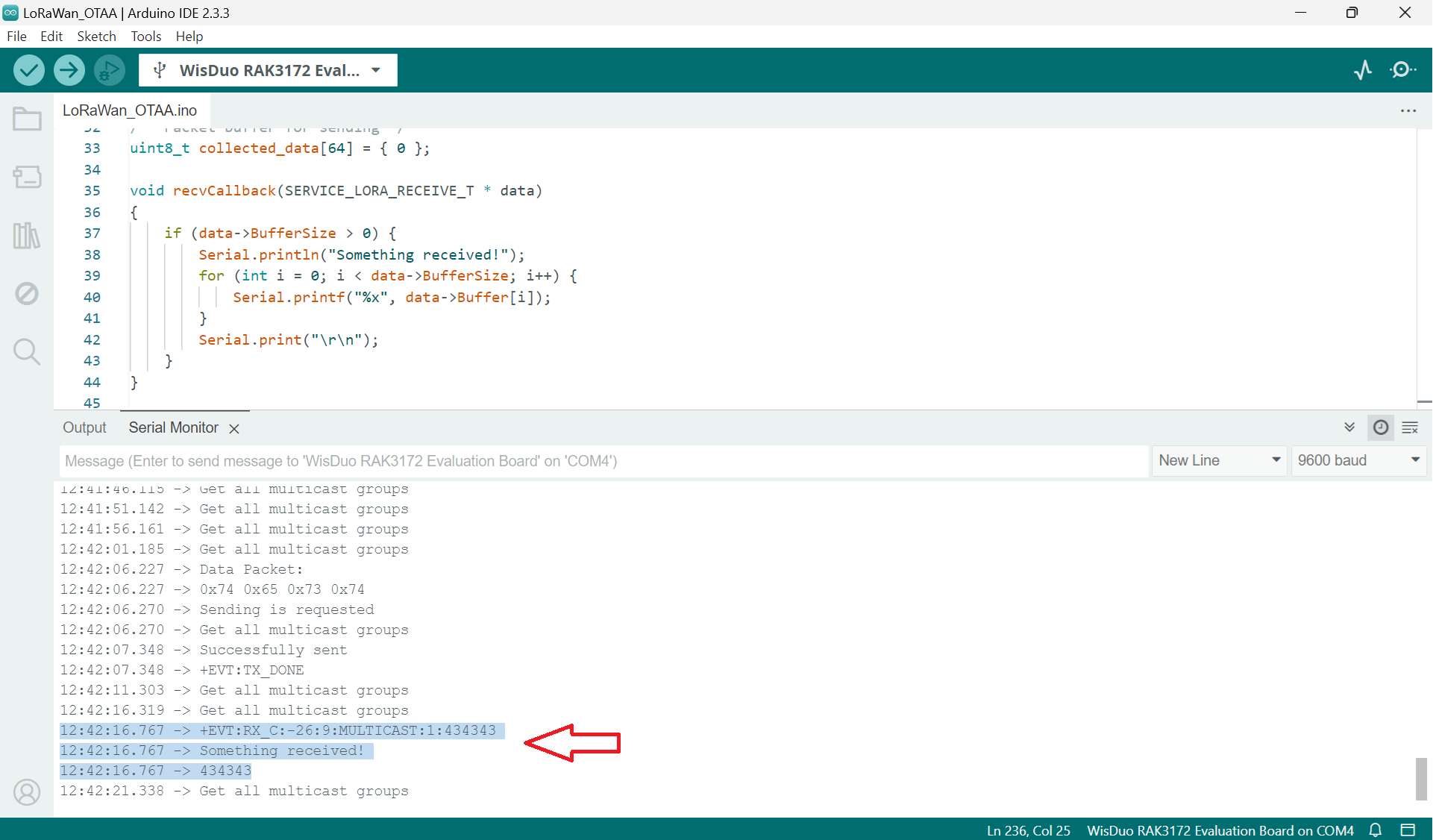
Done.


Will this guide work for other RAK modules?
Thanks a lot.
Hi Chen,
RAK modules share the same codebase.
So yes, the guide will work for all recent RAK modules.
This guide saves my day.
Thanks a lot.
Will LoRaWAN multicast work with ABP Class C?
Hi Babu,
Yes, LoRaWAN multicast work with both OTAA and ABP Class C.